


Published on: September 1, 2025 | Updated on: September 1, 2025
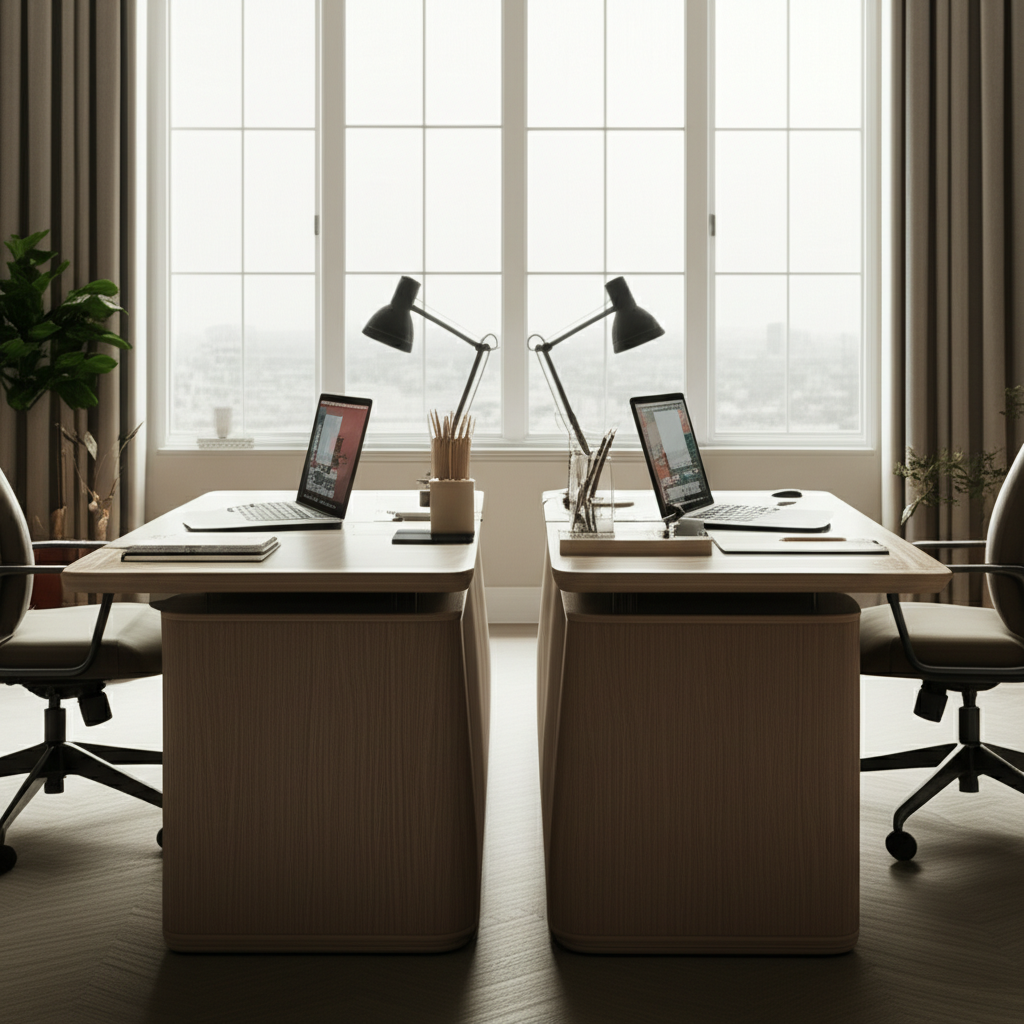
Create a functional and inspiring home office for two with this essential, genius layout guide. Discover smart design, ergonomic solutions, and productivity tips to make your shared workspace a dream.
Setting up a home office for two can feel like a puzzle, especially when space is limited. Many of us are navigating this challenge, wanting to boost productivity without sacrificing harmony. It’s easy to feel overwhelmed by shared desks, noise distractions, and the need for personal space. But don’t worry, creating a shared home office that works for everyone is absolutely achievable. This guide will walk you through essential strategies and genius layout ideas to transform your dual workspace into a haven of efficiency and comfort.
Contents
- 1 Why a Dedicated Home Office for Two is Crucial
- 2 Essential Considerations for Your Home Office for Two People Layout
- 3 Genius Home Office for Two People Layout Strategies
- 4 Ergonomic Essentials for a Shared Workspace
- 5 Optimizing Your Home Office for Two People Layout with Smart Design
- 6 Technology Integration for Seamless Workflows
- 7 Boosting Productivity and Well-being in a Shared Office
- 8 Frequently Asked Questions (FAQ)
- 9 Conclusion: Your Personalized Home Office for Two Awaits
- 10 Author
Why a Dedicated Home Office for Two is Crucial

A well-designed home office for two people isn’t just about having a place to work; it’s about creating an environment that fosters focus, collaboration, and individual comfort. Without a proper layout, shared workspaces can quickly become sources of frustration, leading to decreased productivity and strained relationships. Understanding the importance of this setup is the first step towards building a successful dual home office.
A dedicated space for two ensures that both individuals have the necessary resources and environment to perform at their best. It minimizes distractions and promotes a professional atmosphere, even within the confines of your home. This focused approach helps maintain work-life balance and prevents the blurring of personal and professional boundaries.
The Challenges of Sharing a Home Office
Sharing a home office often comes with unique hurdles that need careful consideration. These can range from managing different work styles and noise levels to ensuring adequate personal space and storage. Addressing these challenges proactively is key to a harmonious and productive dual workspace.
Common issues include lack of privacy, competing needs for technology, and differing preferences for lighting or temperature. Without a thoughtful approach to the home office for two people layout, these can lead to constant interruptions and a decline in overall efficiency.
Essential Considerations for Your Home Office for Two People Layout
Before diving into specific layouts, it’s vital to establish a foundational understanding of what makes a shared workspace effective. This involves assessing your needs, available space, and the unique dynamics of the individuals who will be using it. Prioritizing these elements will ensure your layout is both functional and personalized.
Understanding each person’s work habits, technology requirements, and personal preferences is paramount. This initial assessment will guide all subsequent design and furniture choices. It’s about creating a space that respects individual needs while promoting a shared sense of purpose.
Assessing Your Space and Needs
The first step in designing your home office for two people layout is a thorough assessment of your available space and the specific requirements of each user. This includes measuring the room, noting natural light sources, and understanding the type of work being done. It’s about being realistic and strategic from the outset.
Consider the footprint of essential furniture like desks, chairs, and storage units. Also, think about the workflow and how each person will move around the space. This detailed inventory will prevent costly mistakes and ensure a practical, efficient setup.
Understanding Work Styles and Preferences
Each individual has a unique work style and set of preferences that must be acknowledged in a shared office. Whether it’s needing absolute quiet or preferring background music, understanding these nuances is crucial for a harmonious environment. Communication is key here.
Discussing preferred working hours, noise tolerance, and even desk tidiness can prevent future conflicts. This open dialogue ensures that the home office for two people layout caters to both comfort and productivity for everyone involved.
Budget and Furniture Selection
Establishing a clear budget early on will help guide your furniture and accessory purchases. Investing in quality ergonomic pieces can significantly improve comfort and long-term productivity, making it a worthwhile expenditure. Smart shopping is essential.
Prioritize items that offer the best value and functionality for your specific needs. Look for durable, multi-functional furniture that can adapt to changing requirements.
Genius Home Office for Two People Layout Strategies
Now that we’ve laid the groundwork, let’s explore some genius layout strategies that maximize functionality and minimize conflict in a shared home office. These approaches are designed to create distinct yet connected workspaces. Each strategy aims to provide personal space while fostering a sense of shared purpose.
These layouts are adaptable and can be tweaked to fit various room sizes and shapes. The goal is to create an environment where both individuals can thrive.
The Parallel Layout: Maximizing Focus
The parallel layout, where desks face the same direction, is a popular choice for home office for two people layouts. This setup offers a sense of unity and minimizes direct visual distraction between users. It’s ideal for those who need to concentrate without constant interaction.
This arrangement often involves placing desks back-to-back or side-by-side along a wall. It allows for easy access to shared resources like printers or power outlets.
Key Features of the Parallel Layout:
Reduced Visual Distractions: Desks are oriented away from each other, promoting individual focus.
Efficient Space Utilization: Works well in rectangular rooms or along longer walls.
Shared Resource Access: Easy to place printers or shared storage between desks.
Pros and Cons of the Parallel Layout:
| Pros | Cons |
| :———————————– | :—————————————- |
| High focus and minimal distractions | Less direct interaction or collaboration |
| Creates a sense of order and calm | Can feel less personal without division |
| Good for productivity-driven tasks | May require thoughtful cable management |
The Back-to-Back Layout: Minimizing Footprint
For smaller spaces, the back-to-back layout is a genius solution that conserves valuable floor area. This configuration places desks with their backs to each other, often in the center of the room or against a wall. It’s a space-saving design that still provides distinct work zones.
This layout is particularly effective in creating two defined workstations without requiring extensive room. It allows for a compact yet functional setup.
Key Features of the Back-to-Back Layout:
Space Efficiency: Excellent for smaller rooms or tight spaces.
Clear Separation: Creates distinct personal work zones.
Centralized Power: Can be optimized with a central power hub.
Pros and Cons of the Back-to-Back Layout:
| Pros | Cons |
| :————————————— | :—————————————– |
| Maximizes space in smaller rooms | Can limit personal legroom if too close |
| Offers clear visual separation | May require careful consideration for airflow |
| Promotes independent work | Less opportunity for spontaneous chat |
The L-Shaped Layout: Collaborative Potential
An L-shaped layout is perfect for home office for two people layouts where a degree of collaboration is desired. This setup involves placing desks at a 90-degree angle to each other, allowing for easy face-to-face interaction. It creates a connected yet defined workspace.
This configuration is ideal for teams or partners who need to communicate frequently. It fosters a sense of partnership and shared project work.
Key Features of the L-Shaped Layout:
Facilitates Collaboration: Allows for easy eye contact and conversation.
Defined Zones: Creates distinct personal work areas within a shared footprint.
Corner Utilization: Effectively uses room corners.
Pros and Cons of the L-Shaped Layout:
| Pros | Cons |
| :————————————- | :—————————————- |
| Encourages communication and teamwork | Can lead to more distractions if not managed |
| Creates a dynamic workspace | May require more furniture arrangement |
| Good for brainstorming sessions | Can feel less private than other layouts |
The Facing Layout: Maximum Interaction
For partners who thrive on constant interaction and collaboration, the facing layout is a genius choice. This arrangement places desks directly opposite each other, fostering an open and communicative environment. It’s a layout that emphasizes teamwork.
This setup is great for couples or business partners who enjoy working together closely. It can make the shared space feel more like a unified command center.
Key Features of the Facing Layout:
Open Communication: Ideal for close collaboration and easy conversation.
Shared Visual Space: Creates a sense of togetherness.
Dynamic Environment: Good for partners who bounce ideas off each other.
Pros and Cons of the Facing Layout:
| Pros | Cons |
| :————————————— | :—————————————— |
| High potential for collaboration | Prone to distractions from each other |
| Creates a very connected atmosphere | Requires strong boundaries for focus |
| Can be visually striking | Less personal space for focused work |
Ergonomics is non-negotiable, especially when two people share a workspace. Investing in supportive furniture and setting it up correctly can prevent discomfort and long-term health issues. Prioritizing ergonomic setups ensures both individuals can work comfortably for extended periods.
Proper ergonomics isn’t just about comfort; it’s about sustainable productivity. Adjustable features allow for personalized setups that cater to individual body types and work habits.
Choosing the Right Ergonomic Chairs
The right ergonomic chair is paramount for comfort and support in any home office, particularly a shared one. Look for chairs with adjustable height, lumbar support, and armrests to ensure proper posture. This is one area where you shouldn’t compromise.
Consider investing in two high-quality chairs that meet individual needs. Many models offer extensive adjustability, making them suitable for different body types.
Standing Desks: The Dual-Purpose Advantage
Standing desks offer a fantastic way to incorporate movement into the workday and can be a game-changer for a home office for two people layout. Adjustable height desks allow users to switch between sitting and standing, promoting better circulation and reducing sedentary time. They can also create distinct work zones.
Electric standing desks offer the most convenience, allowing for quick and easy height adjustments. This feature is especially useful in a shared space where preferences might differ.
Desk Setup: Height and Placement
Proper desk height is crucial for maintaining good posture. Your elbows should be at a 90-degree angle when typing, with your wrists straight. Ensure desks are positioned to maximize natural light and minimize glare.
Consider the overall flow of the room when placing desks. Avoid positioning them directly facing each other if concentration is a primary concern.
Optimizing Your Home Office for Two People Layout with Smart Design
Beyond the core layout, several design elements can elevate your shared workspace from functional to fantastic. These touches enhance both productivity and the aesthetic appeal of your office. Smart design choices make a significant difference in the daily experience of using the space.
Think about how to create distinct zones, manage clutter, and incorporate elements that inspire. These details contribute to a more enjoyable and efficient work environment.
Lighting: The Unsung Hero
Adequate and appropriate lighting is essential for reducing eye strain and boosting mood. Aim for a layered lighting approach, combining ambient, task, and accent lighting. Natural light should be prioritized whenever possible.
Ensure each workspace has its own adjustable task lamp. This allows individuals to control their immediate lighting environment without disturbing the other person.
Storage Solutions: Taming the Clutter
Effective storage is key to maintaining an organized and functional home office for two people layout. Clutter can be a major distraction, so invest in solutions that keep supplies, documents, and electronics tidy. Everyone needs their own designated storage.
Utilize vertical space with shelves and wall-mounted organizers. Consider drawer units, file cabinets, and desk organizers to keep surfaces clear.
Sound Management and Privacy
For a shared home office, managing sound is crucial for concentration. Consider noise-canceling headphones for individuals needing deep focus or acoustic panels to absorb sound. Creating subtle barriers can also enhance privacy.
Even small dividers or strategically placed plants can create a visual and auditory separation. This helps define personal spaces within the shared environment.
Personalization and Décor
While functionality is key, don’t forget to personalize the space to make it feel inspiring and welcoming for both individuals. Add elements that reflect your personalities and professional styles. A touch of personal décor can significantly boost morale.
Incorporate plants, artwork, or inspirational quotes. Keep décor balanced so it doesn’t overwhelm the workspace.
Technology Integration for Seamless Workflows
Integrating technology thoughtfully can streamline workflows and prevent connectivity issues in a dual home office. Consider shared resources and individual needs for power and connectivity. Efficient tech setup is vital for smooth operations.
Ensure adequate power outlets and consider network solutions that support multiple devices without lag. This prevents frustrating technical bottlenecks.
Power Outlets and Cable Management
With multiple devices, power needs can multiply quickly. Ensure you have enough outlets or consider a power strip with surge protection for each workstation. Effective cable management is also essential for a tidy and safe space.
Use cable clips, sleeves, or a cable management box to keep cords organized and out of sight. This contributes to a cleaner, more professional look.
Shared vs. Individual Peripherals
Decide which peripherals can be shared, such as a printer or scanner, and which should be individual, like monitors or keyboards. This decision depends on work styles and the need for specific equipment. Clear designation prevents conflicts.
Placing shared peripherals in a neutral, easily accessible location is ideal. This ensures both individuals can use them without encroaching on each other’s primary workspace.
Creating a productive and healthy environment for two requires more than just a good layout; it involves implementing strategies that support focus, collaboration, and personal well-being. These practices help both individuals thrive. Sustainable productivity comes from a holistic approach to workspace design.
Regular breaks, clear communication, and a respect for personal space are key components. It’s about building good habits alongside a good setup.
Productivity Hacks for Two
Implement strategies like the Pomodoro Technique or time blocking to manage work sessions effectively. Schedule regular check-ins to discuss progress and address any challenges. Open communication is a powerful productivity tool.
Encourage focused work periods and designate times for collaborative discussions. This structure helps maintain momentum and prevents interruptions.
Maintaining Work-Life Balance
It’s crucial to establish clear boundaries between work and personal life, especially when working from the same space. Define work hours and stick to them as much as possible. This separation is vital for mental well-being.
When the workday is done, physically or mentally leave the workspace. This helps in switching off and recharging for the next day.
Frequently Asked Questions (FAQ)
How do I divide a home office for two people if the space is small?
In a small space, use furniture placement to create distinct zones. Desks placed back-to-back or at a right angle can define separate work areas without needing physical dividers. Utilizing vertical space with shelving also helps maximize the perceived openness.
What are the best desk options for a home office for two people layout?
Consider a long desk that can accommodate two workstations, or two separate, matching desks. L-shaped desks or adjustable standing desks are also excellent choices for flexibility and space utilization. Ensure desks are at a comfortable height for both users.
How can I minimize distractions when sharing a home office?
Noise-canceling headphones are invaluable for deep focus. Establish clear communication protocols regarding quiet times versus discussion times. Strategically place furniture to create visual barriers between workstations.
Is it better to have two separate desks or one long shared desk?
This depends on your work styles and the space. Two separate desks offer more personal space and easier division. A long shared desk can foster a sense of unity and is often more space-efficient, but requires better personal boundary management.
How do I handle different lighting needs in a shared office?
Provide individual task lighting for each workstation, such as adjustable desk lamps. This allows each person to control their immediate lighting environment without affecting the other. Maximize natural light by positioning desks near windows if possible.
What are essential ergonomic features for shared office chairs?
Look for adjustable seat height, backrest angle, lumbar support, and armrests. Chairs that allow for customization to individual body types are crucial for comfort and preventing strain. Breathable materials can also enhance comfort.
How can I create a sense of privacy in a shared home office?
Visual privacy can be enhanced with strategically placed tall plants, bookshelves, or room dividers. Even small desk screens can create a personal bubble. Clearly communicating “do not disturb” signals is also effective.
Conclusion: Your Personalized Home Office for Two Awaits
Designing a successful home office for two people layout is about thoughtful planning, clear communication, and a commitment to creating a space that serves both individuals well. By considering your unique needs, embracing smart layout strategies, and prioritizing ergonomics and organization, you can build a dual workspace that is both highly functional and inspiring. Remember, this is your shared sanctuary for productivity and creativity.
Transforming your shared workspace is an investment in your productivity and well-being. Experiment with these ideas, adapt them to your specific circumstances, and don’t hesitate to refine your setup as you go. The perfect home office for two people layout is one that evolves with you.
