


Published on: November 6, 2025 | Updated on: November 6, 2025
Metal Detector iPhone App: Your Guide to Finding Essential Hidden Treasures
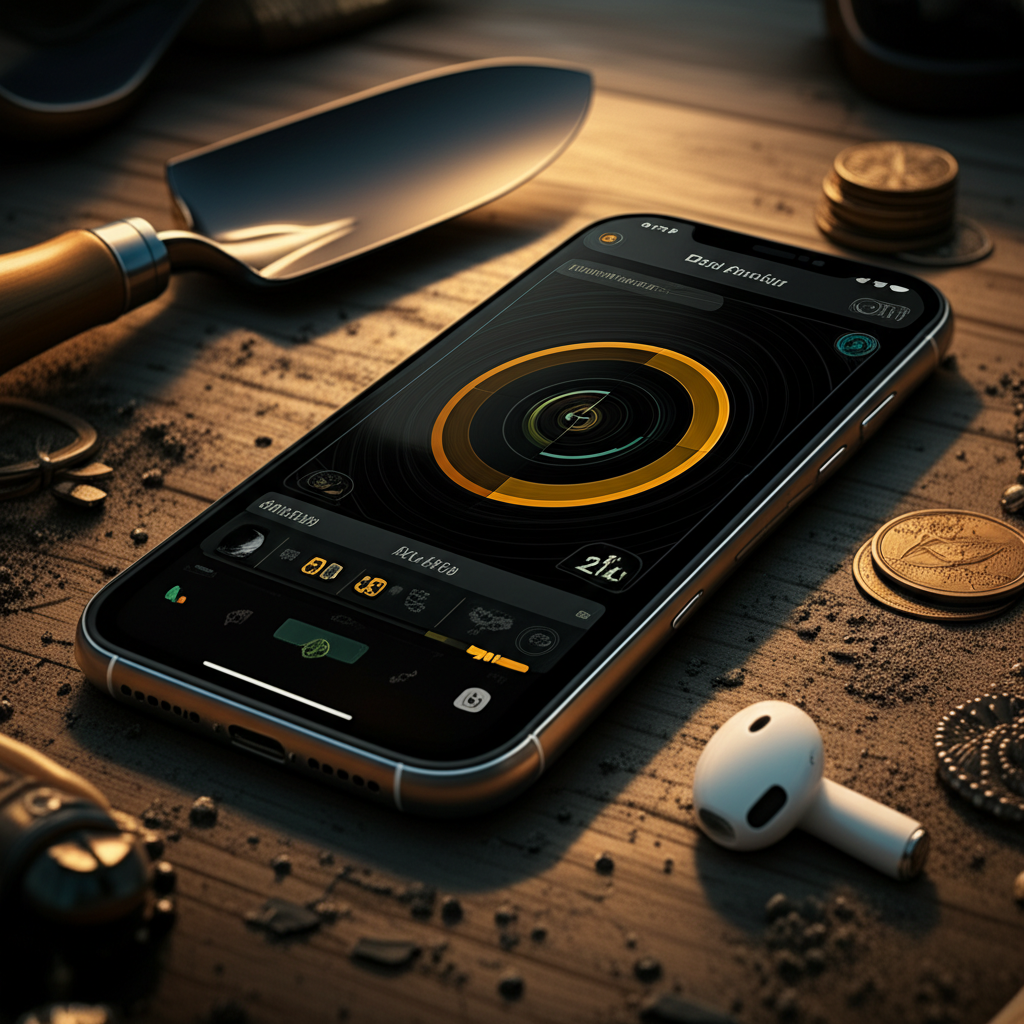
A metal detector iPhone app can turn your smartphone into a basic treasure finder, detecting nearby metal objects. While not as powerful as dedicated devices, these apps are great for fun, learning, and finding simple items like keys or coins. This guide explores their capabilities, limitations, and how to use them effectively.
Metal detecting is an exciting hobby. Many people dream of finding lost treasures. You might wonder if your iPhone can help. The answer is yes, with certain apps. A metal detector iPhone app uses your phone’s built-in sensors. These apps can detect magnetic fields. This helps them find metal objects around you. They are a fun way to start exploring.
Understanding How Metal Detector iPhone Apps Work
These apps work by using your iPhone’s magnetic sensor. This sensor is usually for the compass. It detects changes in magnetic fields. Metal objects create their own magnetic fields. When you move your phone near metal, the app shows a change. It might make a sound or show a reading on the screen. It’s like a simple game of hot and cold. The stronger the reading, the closer you are to metal.
Limitations of Using Your iPhone as a Metal Detector
It’s important to know what these apps can and cannot do. They are not as powerful as real metal detectors. Real detectors have special coils. These coils send out their own signals. They can find metal deeper underground. Your iPhone’s sensor is much weaker. It can only detect metal very close to your phone. It works best for items on the surface. It won’t find buried treasure chests.
Choosing the Right Metal Detector iPhone App
Many apps claim to be metal detectors. Some are better than others. Look for apps with good reviews. Read what other users say. Some apps are free, while others cost money. Free apps are a good way to try it out. Paid apps might offer more features. Consider what you want to find. Are you looking for fun or something more serious?
Top Metal Detector iPhone Apps to Consider
Several apps stand out. “Metal Detector” by Smart Tools is a popular choice. It’s simple and effective for surface finds. Another good option is “Metal Detector & Magnet.” It uses your phone’s magnetic sensor well. Always check the app store for new options. Read descriptions carefully. See if they match your needs.
Setting Up Your Metal Detector iPhone App
Getting started is easy. First, download your chosen app. Open it and give it permission to use your magnetic sensor. You might need to calibrate the app. This usually involves moving your phone in a figure-eight pattern. This helps the app get a baseline reading. Then, you are ready to start searching.
Tips for Effective Metal Detecting with Your iPhone
To get the best results, follow these tips. Move your phone slowly. Sweep it back and forth over the area. Keep the phone close to the ground. Pay attention to the app’s signals. A sudden beep or spike in reading means metal. Remember, it only works for nearby metal. Try it in different places. Parks and beaches can be fun spots.
What You Can Realistically Find
With a metal detector iPhone app, you won’t find gold coins from pirates. You are more likely to find everyday items. Lost keys are a common find. Small metal objects like coins or bottle caps can also be detected. It’s great for finding lost jewelry dropped in the grass. Think of it as a fun tool for surface scavenging.
Using Your iPhone App for Specific Scenarios
These apps are perfect for specific situations. Lost your keys in the park? Use the app to scan the area. Trying to find a dropped earring on the beach? The app can help pinpoint it. It’s also a fun educational tool for kids. They can learn about magnetism and metal. It makes exploring the outdoors more engaging.
Beyond the App: Essential Metal Detecting Gear
While an app is a start, real metal detecting is more. Dedicated metal detectors are much more powerful. They have different coils for different depths. You’ll also need digging tools. A good trowel or spade is essential. A pinpointer helps locate targets once you dig. These tools make finding things much easier.
Pros and Cons of Using a Metal Detector iPhone App
Let’s look at the good and bad points.
Pros:

- Easy to use and accessible.
- No need to buy expensive equipment.
- Fun for beginners and kids.
- Great for finding surface-level items.
- Can help locate lost everyday objects.
Cons:
- Limited detection depth and range.
- Less sensitive than real metal detectors.
- Not suitable for serious treasure hunting.
- Can be affected by other electronic devices.
- Accuracy can vary between phone models.
Enhancing Your Finds with Basic Accessories
Even with a metal detector iPhone app, a few accessories help. A small magnifying glass can examine tiny finds. A bag for collecting items is useful. Always have a way to dispose of trash properly. Respect the areas you are searching. Leave them as you found them.
Understanding App Permissions and Privacy
When you download an app, it asks for permissions. For a metal detector app, it needs access to your phone’s magnetic sensor. This is usually fine. Be cautious of apps asking for too many permissions. Read the privacy policy. Ensure the app developer is reputable.
Troubleshooting Common Issues with Your App
Sometimes apps don’t work as expected. If your app shows random readings, try recalibrating. Ensure there are no other metal objects or strong magnets nearby. Your phone case might interfere. Try removing it. If the problem persists, try a different app.
The Future of Metal Detecting Apps
Technology is always improving. Future apps might become more sophisticated. They could use AI to better interpret sensor data. They might combine with GPS for mapping finds. For now, they remain a fun, basic tool. They are a great entry point into the hobby.
Frequently Asked Questions
What is the best free metal detector app for iPhone?
Many free apps are available. “Metal Detector” by Smart Tools is often recommended. It’s simple and effective for surface finds.
Can an iPhone app actually detect metal?
Yes, it can detect metal that is very close to the phone. It uses the phone’s magnetic sensor. It cannot detect metal deep underground.
How deep can an iPhone metal detector app go?
These apps can typically only detect metal within an inch or two of the phone. They are not designed for deep searching.
Is using a metal detector app better than a real metal detector?
No, a real metal detector is far more powerful. It can detect metal at much greater depths. Apps are best for fun and surface finds.
What kind of things can I find with an iPhone metal detector app?
You can find small, nearby metal objects. This includes things like lost keys, coins, bottle caps, or small pieces of jewelry.
Do I need a special iPhone for a metal detector app?
No, most modern iPhones with a built-in compass (magnetic sensor) can run these apps. The performance might vary slightly by model.
Conclusion: Your Pocket-Sized Treasure Hunt Assistant
A metal detector iPhone app offers a fun and accessible way to explore. While it won’t lead you to pirate gold, it’s perfect for casual searching. Use it to find lost keys, coins, or just to learn about magnetic fields. Remember its limitations. For serious treasure hunting, a dedicated metal detector is necessary. But for a quick, engaging outdoor activity, your iPhone can be a surprisingly useful tool for uncovering nearby hidden treasures.
