


Published on: November 8, 2025 | Updated on: November 8, 2025
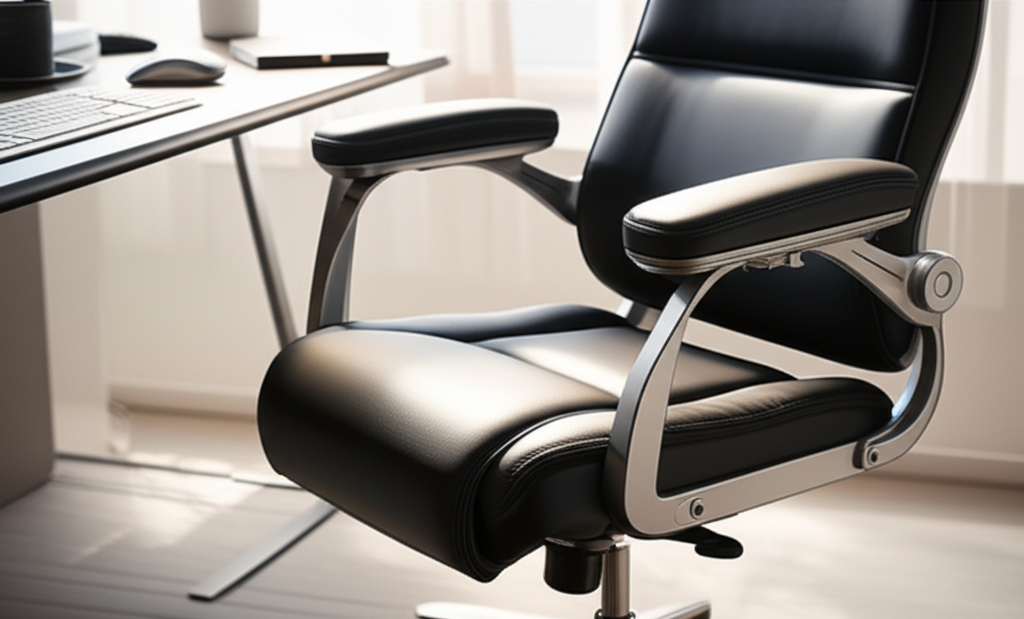
Armrest ergonomics focuses on how your chair’s armrests support your arms and shoulders, reducing strain and improving posture. Proper armrest height and positioning are vital for preventing discomfort and boosting productivity in any workspace.
Working from home is great, but sometimes it causes aches and pains. Many people don’t think about their chair’s armrests. Yet, these parts play a big role in how comfortable you feel. Poorly adjusted armrests can lead to shoulder and neck pain. This guide will help you understand armrest ergonomics. You’ll learn how to use them to make your workspace more comfortable and productive.
What is Armrest Ergonomics?
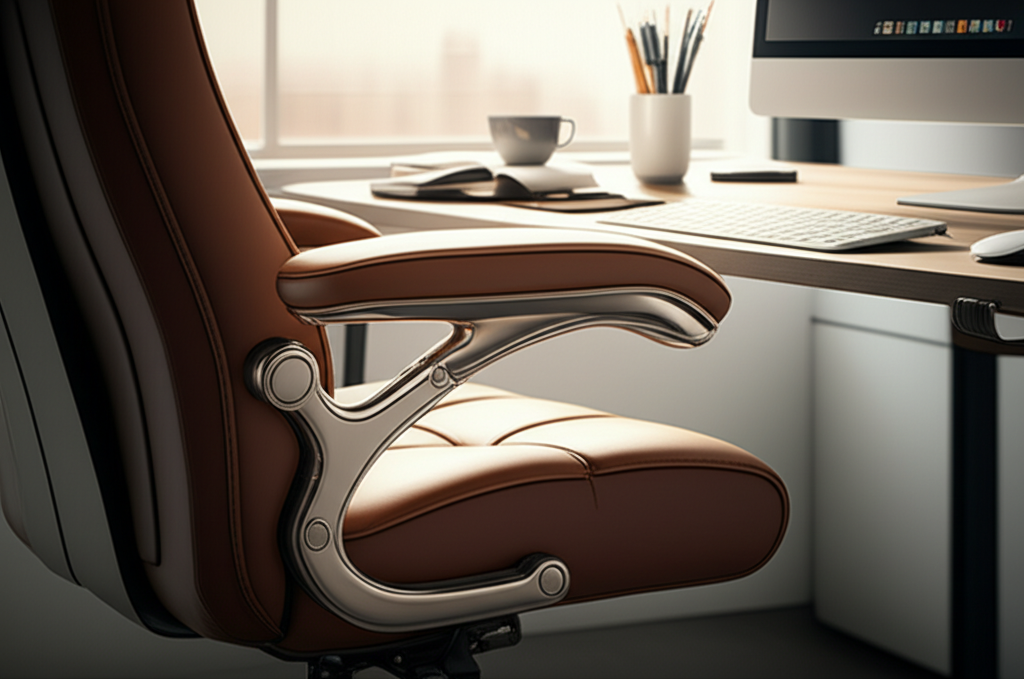
Armrest ergonomics is the science of designing and adjusting armrests for optimal comfort and health. It ensures armrests support your arms properly. This reduces stress on your shoulders, neck, and wrists. Good armrest ergonomics helps you maintain a healthy posture. It also prevents fatigue during long work sessions.
Why Armrest Ergonomics Matters for Your Health
Your arms rest on armrests for hours each day. If they are too high or too low, your body compensates. This can cause muscle strain. It can lead to issues like carpal tunnel syndrome or shoulder impingement. Proper armrest support keeps your shoulders relaxed. It helps your arms stay in a neutral position. This prevents discomfort and long-term injuries.
Understanding the Key Components of Armrest Ergonomics
There are several factors to consider for good armrest ergonomics. These include height, width, depth, and adjustability. Each plays a crucial role in how well the armrest supports you. Understanding these components helps you choose and adjust your chair correctly.
Armrest Height
The ideal armrest height allows your shoulders to remain relaxed. Your elbows should form a roughly 90-degree angle when resting. Your forearms should be parallel to the floor. If armrests are too high, your shoulders will hunch up. If they are too low, you might lean forward, straining your back. Finding the right height is crucial for preventing neck and shoulder pain.
Armrest Width and Depth
The width should allow your arms to rest comfortably without forcing your shoulders inward. Your elbows should be close to your body. The depth matters too. It should provide enough surface area to support your forearm. But it shouldn’t be so deep that it pushes your chair away from your desk.
Adjustability: The Holy Grail of Ergonomics
Not all armrests are created equal. Adjustable armrests offer the most benefit. They allow you to fine-tune the height, width, and even angle. This is essential because everyone’s body is different. Adjustable armrests ensure your chair can adapt to your specific needs. This is key for long-term comfort and ergonomic benefit. Many office chairs offer 2D, 3D, or 4D adjustable armrests. 4D armrests typically adjust in height, width, depth, and pivot angle.
Common Armrest Ergonomic Problems and Solutions
Many people struggle with poorly designed or adjusted armrests. These issues can cause significant discomfort. Fortunately, most problems have simple solutions. Identifying the issue is the first step to fixing it.
Problem: Shoulders Hunching Upwards
This often happens when armrests are set too high. Your shoulders naturally try to find a resting position. If the armrests are too tall, they force your shoulders up. This creates tension in your neck and upper back.
Solution: Lower the armrests. Aim for your elbows to be at a 90-degree angle with relaxed shoulders. If your chair’s armrests don’t go low enough, consider removing them temporarily. This is a common recommendation from ergonomic experts.
Problem: Leaning Forward or Slouching
If armrests are too low, you might lean forward to rest your forearms. This puts extra strain on your lower back. It also encourages slouching. Your spine loses its natural curve.
Solution: Raise the armrests. The goal is to support your forearms without changing your posture. Your back should remain against the chair’s backrest.
Problem: Elbows or Wrists Constantly Hitting the Armrest
Some armrests are too wide or have sharp edges. This can create pressure points. It can lead to nerve compression or discomfort.
Solution: Adjust the width of the armrests. Ensure they are close enough to support your arms but not so close they feel restrictive. If the material is hard, consider adding soft armrest covers. These are readily available online.
Choosing the Right Office Chair for Optimal Armrest Ergonomics
When buying a new office chair, armrest adjustability is a top priority. Look for chairs that offer multiple adjustment options. This will ensure you can customize the fit. Don’t compromise on this feature. It’s vital for long-term comfort.
Features to Look For:
Height Adjustment: Essential for setting the correct elbow angle.
Width Adjustment: Allows for natural arm positioning.
Pivot/Swivel Adjustment: Lets you angle the armrest to match your typing or resting position.
Depth Adjustment: Provides support for your forearm length.
Padding: Comfortable padding prevents pressure points.
Consider chairs with 3D or 4D armrests for maximum customization. Brands like Herman Miller and Steelcase offer chairs with highly adjustable armrests, though they come at a higher price point. Many mid-range options also provide excellent adjustability.
How to Adjust Your Armrests for Maximum Comfort
Setting up your armrests correctly takes a little effort. But the payoff in comfort is huge. Follow these steps for the best results.
1. Sit Up Straight: Position yourself in your chair as you normally would. Keep your back against the backrest.
2. Relax Your Shoulders: Let your shoulders drop naturally. They should not feel tense or elevated.
3. Adjust Height: Raise or lower the armrests until your elbows are bent at about 90 degrees. Your forearms should rest comfortably and be parallel to the floor. Your shoulders should feel relaxed, not bunched up.
4. Adjust Width: Ensure your arms can rest naturally at your sides. The armrests should be close enough to support your forearms without forcing your elbows inward.
5. Adjust Depth and Pivot (if applicable): Position the armrests so they fully support your forearms. If they pivot, angle them slightly inward to better cradle your arms.
Take short breaks to reassess. Your ideal position might shift slightly depending on your activity.
The Impact of Armrest Ergonomics on Productivity
Comfort directly impacts productivity. When you’re in pain, you get distracted. You shift around, lose focus, and take more breaks. Properly adjusted armrests reduce physical strain. This allows you to concentrate better on your tasks.
An ergonomic setup minimizes distractions caused by discomfort. This means you can work for longer periods without feeling tired or sore. Better posture and reduced fatigue lead to increased efficiency. This is especially true for roles involving extensive computer use. Investing in good armrest ergonomics is an investment in your work output.
Armrest Ergonomics Beyond the Office Chair: Desk and Accessories
While office chairs are primary, other elements affect arm and wrist comfort. Your desk height and keyboard tray also play a role.
Desk Height and Keyboard Trays
Your desk should be at a height that complements your chair’s armrests. If your desk is too high, it can force you to raise your armrests excessively. A keyboard tray can help position your keyboard and mouse at the optimal height. This is crucial for maintaining neutral wrist posture.
Ergonomic Accessories
Consider adding accessories like wrist rests for your keyboard and mouse. These can provide additional support. They help keep your wrists in a neutral position. However, ensure they don’t interfere with your armrest’s function. They should complement, not replace, proper armrest adjustment.
Armrest Ergonomics: A Comparison of Different Chair Types
Different types of chairs offer varying levels of armrest support. Understanding these differences helps in making an informed choice.
| Chair Type | Typical Armrest Features | Pros | Cons |
| :—————— | :——————————————————— | :—————————————————————- | :———————————————————————– |
| Basic Office Chair | Fixed or 1D adjustable (height only) | Affordable, widely available | Limited adjustability, may not fit all users. |
| Ergonomic Office Chair | 2D, 3D, or 4D adjustable (height, width, depth, pivot) | Highly customizable, promotes good posture, reduces strain. | Higher cost, can be complex to adjust initially. |
| Gaming Chair | Often 3D or 4D adjustable, can be bulky | Padded, stylish, good for long gaming sessions. | May lack lumbar support adjustability, can be less breathable. |
| Executive Chair | Often padded, fixed or limited adjustment | Luxurious feel, provides good back support. | Armrest adjustability is usually poor, can be less ergonomic. |
| Task Chair | Varies greatly, from fixed to highly adjustable | Versatile, designed for specific tasks. | Quality and features depend heavily on the specific model. |
For optimal armrest ergonomics, an ergonomic office chair with 3D or 4D adjustable armrests is usually the best choice. This allows for the most personalized fit and support.
The Link Between Armrest Ergonomics and Preventing Repetitive Strain Injuries (RSIs)
Repetitive Strain Injuries (RSIs) like carpal tunnel syndrome are common. They affect many professionals. Poor posture and improper support contribute to these injuries.
When your armrests are set correctly, they support your arms. This reduces the strain on your wrists and elbows. It helps maintain a neutral alignment. This alignment is key to preventing the micro-traumas that lead to RSIs. By ensuring your armrests provide proper support, you actively work to protect your musculoskeletal health. Regular breaks and stretching are also vital complements to good ergonomics.
Frequently Asked Questions About Armrest Ergonomics
What is the ideal angle for my elbows when using armrests?
The ideal angle is approximately 90 degrees. Your forearms should be parallel to the floor. This allows your shoulders to remain relaxed.
Can armrests be too comfortable?
While comfort is the goal, armrests should encourage good posture. If an armrest encourages you to slouch or prop yourself up unnaturally, it’s not ideal. They should support, not dictate, a poor posture.
Should my wrists rest on the armrests all the time?
No. Your wrists should be in a neutral position while typing. Armrests can support your forearms when you are not actively typing or using your mouse. Resting your wrists on hard surfaces can be detrimental.
What if my chair’s armrests are not adjustable?
If your armrests are fixed, try to adjust your chair height. Aim to get your elbows at the 90-degree angle. You may need to add padding or consider a keyboard tray. Sometimes, removing the armrests is the best option for comfort.
How do armrests affect my shoulder pain?
High armrests can cause your shoulders to hunch up, leading to tension and pain. Low armrests can cause you to lean forward, straining shoulder muscles. Proper adjustment keeps your shoulders in a neutral, relaxed position.
Are there specific armrest adjustments for typing versus resting?
Yes. When typing, your forearms should be supported, and your wrists neutral. When resting, you might adjust them slightly higher or wider to allow for complete relaxation. 4D adjustable armrests excel here.
Conclusion: Invest in Your Comfort with Smart Armrest Ergonomics
Armrest ergonomics is not just a fancy term. It’s a critical aspect of creating a comfortable and healthy workspace. By understanding how to adjust your armrests, you can significantly reduce pain and fatigue. This leads to better focus and increased productivity.
Whether you are setting up a new home office or optimizing your current one, pay attention to your armrests. Look for chairs with good adjustability. Take the time to set them up correctly. Your body will thank you for it. Investing in armrest ergonomics is a simple yet powerful way to enhance your work-from-home experience.
