


Published on: November 8, 2025 | Updated on: November 8, 2025
Mastering the assembly of an office chair is a common task for home office setups, ensuring comfort and productivity. This guide provides a clear, step-by-step process to assemble your new office chair quickly and correctly, avoiding common pitfalls and getting you seated comfortably in no time.
Setting up a new office chair can feel like a puzzle, especially when you’re eager to get to work. Many people find the assembly process a bit daunting, leading to frustration or even incorrect setup. But don’t worry, it’s usually simpler than it looks. This guide will walk you through every step of the assembly of your office chair. We’ll break it down into easy-to-follow instructions. You’ll be comfortably seated and ready to boost your productivity before you know it.
Why Proper Office Chair Assembly Matters
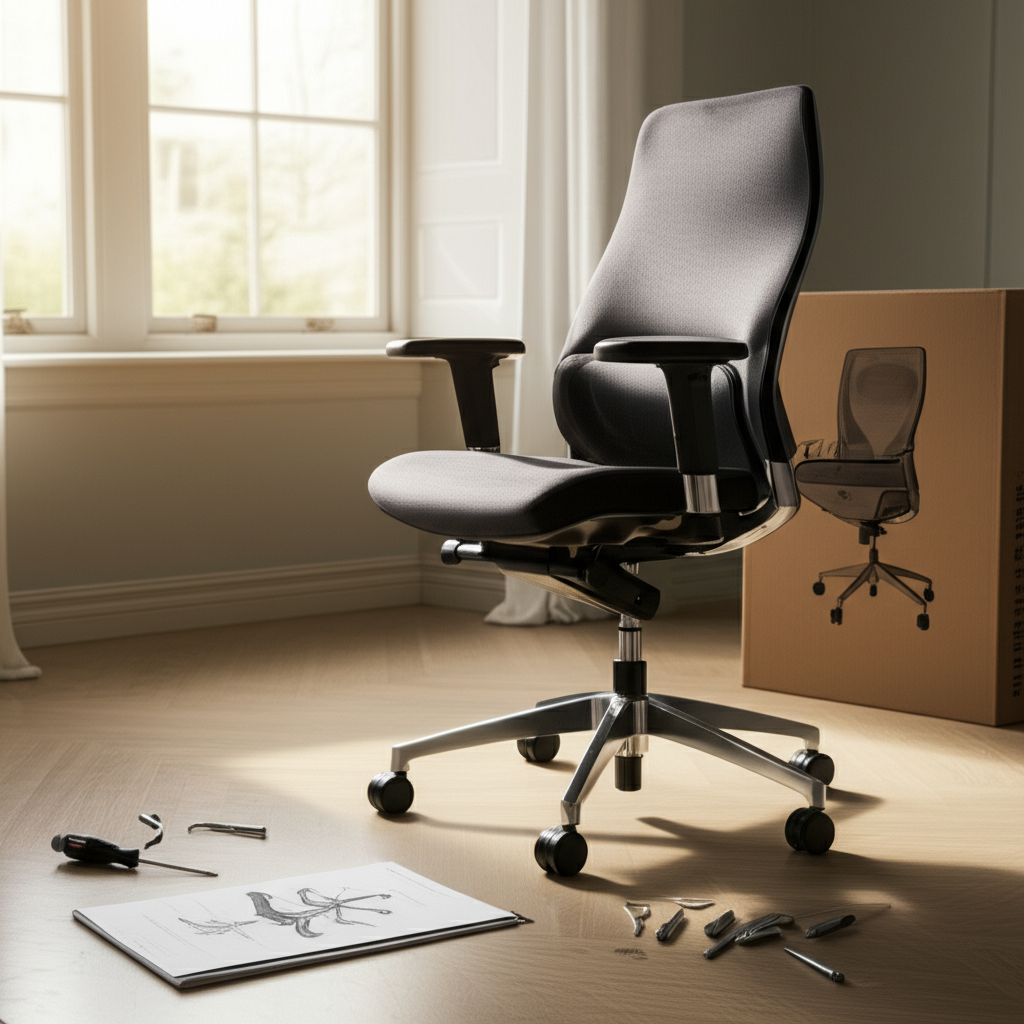
Assembling your office chair correctly is more than just a step to get it usable. It ensures the chair functions as designed for your comfort and health. A properly assembled chair supports good posture, reducing strain on your back and neck. It also guarantees that all safety features and adjustments work as intended.
This chair assembly guide aims to demystify the process. We will cover everything from unpacking to the final adjustments. You’ll learn to identify parts, use tools effectively, and troubleshoot common issues.
What You’ll Find in the Box: Identifying Your Chair Parts
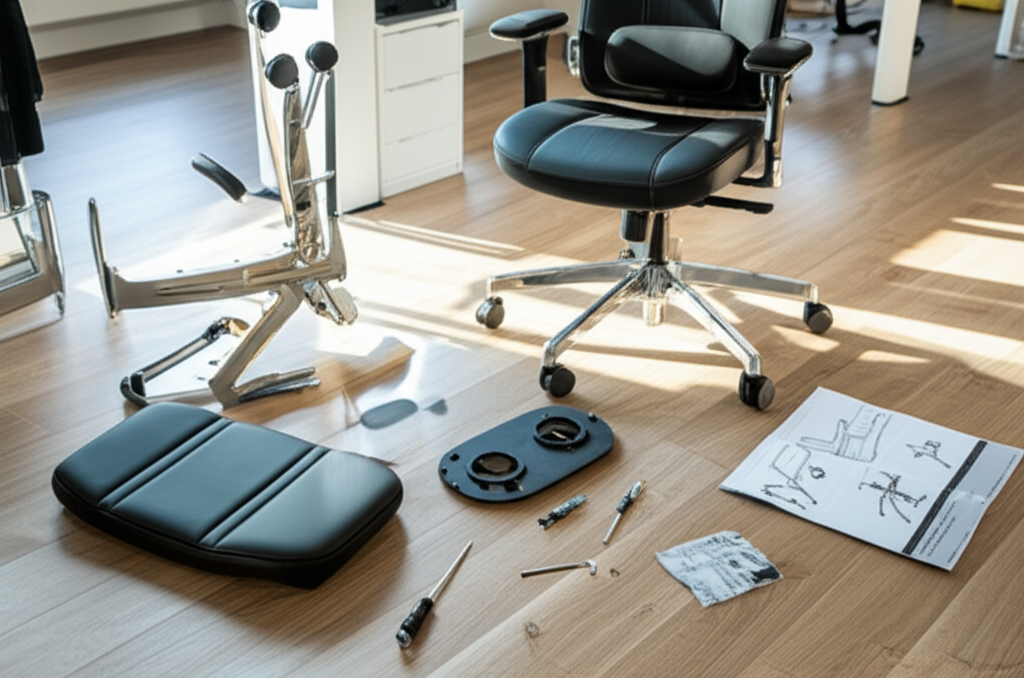
Before you begin the assembly of your office chair, it’s crucial to identify all the components. Most office chairs come with a clear parts list and often labeled pieces. Lay everything out on a clean, spacious surface. This helps you see all the parts and check against the manual.
Common parts include the seat, backrest, armrests, the gas lift cylinder, the base, and casters (wheels). You’ll also find a hardware pack with screws, bolts, and sometimes an Allen wrench. Always confirm you have everything before starting.
Seat: The main part you sit on.
Backrest: Provides lumbar and upper back support.
Armrests: Support your arms and shoulders.
Gas Lift Cylinder: The adjustable pole for height.
Base: The star-shaped bottom part.
Casters: Wheels that attach to the base.
Hardware Pack: Screws, washers, and tools.
Having all parts accounted for prevents interruptions and ensures a smooth assembly of your office chair. This initial check is a small step that saves significant time later.
Tools You Might Need for Assembly
While many office chairs are designed for tool-free assembly or include a basic Allen wrench, having a few extra tools can make the process smoother. Always check your chair’s manual first to see what’s recommended.
A Phillips head screwdriver is often useful if screws aren’t hex-based. A rubber mallet can gently tap parts into place if they feel snug. Sometimes, a wrench might be needed for specific bolts.
Included Allen Wrench: Usually provided for hex bolts.
Phillips Head Screwdriver: For cross-head screws.
Rubber Mallet (Optional): For gentle persuasion of parts.
Work Gloves (Optional): To protect your hands.
Using the right tools ensures parts are secured properly without damage. This contributes to the longevity and stability of your assembled office chair.
Step-by-Step Guide: Assembling Your Office Chair
This section provides a general sequence for the assembly of an office chair. Specific models may vary, so always refer to your chair’s instruction manual.
Step 1: Attaching the Casters to the Base
This is often the first and easiest step. Flip the chair base upside down. You will see five holes at the end of each leg. Firmly push the stem of each caster into one of these holes. You should hear or feel a click when it’s properly seated.
Push down with moderate force until each caster is securely in place. If they feel loose, try pushing them in again, ensuring they are straight. A stable base is fundamental to a safe and functional chair.
Step 2: Inserting the Gas Lift Cylinder
Place the gas lift cylinder into the center hole of the chair base. The wider end should be at the bottom, and the narrower end pointing up. It usually just sits in place and is secured by the weight of the seat.
Ensure the cylinder is seated straight and fully within the base opening. Do not attempt to force it if it doesn’t fit easily. A misaligned cylinder can affect the chair’s height adjustment.
Step 3: Assembling the Seat Mechanism and Seat Pan
Locate the seat mechanism (the part with levers) and the seat pan. Align the mechanism with the pre-drilled holes on the underside of the seat. Make sure the front of the mechanism aligns with the front of the seat.
Use the provided screws to attach the mechanism to the seat pan. Tighten them securely but avoid overtightening, which can strip the threads. This mechanism controls your chair’s tilt and height.
Step 4: Attaching the Armrests
Most office chairs have armrests that attach to the seat pan or the backrest. Align the armrests with the corresponding mounting points. Use the screws provided to secure them.
Some armrests are specific to the left and right sides, so check for labels. Ensure they are firmly attached as they provide crucial support. Loose armrests can be uncomfortable and unsafe.
Step 5: Connecting the Backrest to the Seat
This step often involves attaching the backrest to the seat or the seat mechanism. Align the mounting brackets on the backrest with the corresponding points on the seat or mechanism. Insert and tighten the provided bolts.
This connection is vital for the chair’s structural integrity. Make sure all bolts are snug to prevent wobbling.
Step 6: Attaching the Seat Assembly to the Base
Carefully lift the assembled seat (including the mechanism and backrest) and place it on top of the gas lift cylinder. Align the center hole of the seat mechanism with the top of the cylinder. The weight of the seat will secure it.
You might need to wiggle the seat slightly to ensure it sits flush. The chair is now mostly assembled.
Step 7: Final Checks and Adjustments
Once everything is assembled, check all screws and bolts to ensure they are tight. Test all the chair’s functions: height adjustment, tilt lock, and swivel. Sit in the chair and make any necessary adjustments for optimal comfort.
Properly adjusting your chair is as important as its assembly. It ensures you get the ergonomic benefits. This completes the main assembly of your office chair.
Common Assembly Mistakes and How to Avoid Them
Even with clear instructions, mistakes can happen during the assembly of an office chair. Being aware of common pitfalls can help you avoid them.
One frequent error is attaching parts incorrectly, like a seat mechanism upside down. Always check orientation marks and the manual. Another mistake is not tightening screws enough, leading to a wobbly chair. Conversely, overtightening can damage threads.
Incorrect Part Orientation: Double-check labels and diagrams.
Loose Fasteners: Tighten all screws and bolts securely.
Overtightening: Stop when resistance is felt to avoid stripping threads.
Damaged Parts: Inspect components for damage before starting.
Missing Parts: Verify all parts are present before assembly begins.
Taking your time and carefully following each step minimizes the risk of errors. A correctly assembled chair offers superior comfort and durability.
Ergonomic Adjustments for Maximum Comfort
After completing the assembly of your office chair, the next crucial step is adjusting it for your body. Proper ergonomic setup is key to preventing fatigue and discomfort during long work hours. Aim for a neutral posture.
Your feet should rest flat on the floor, with your knees bent at roughly a 90-degree angle. The seat height should allow this comfortable position. The armrests should support your forearms, with your shoulders relaxed.
Adjusting Seat Height
Use the lever under the seat to adjust the height. Raise the seat so your feet are flat on the floor and your thighs are parallel to it. If your feet don’t reach, consider a footrest.
Adjusting Lumbar Support
Many chairs have adjustable lumbar support. Position it to fit the natural curve of your lower back. This provides essential spinal support.
Adjusting Armrests
If your armrests are adjustable, set them so your elbows are bent at about 90 degrees when your arms rest on them. Your shoulders should be relaxed, not hunched.
Adjusting Recline and Tilt
Use the tilt or recline levers to find a comfortable angle. For focused work, a more upright position is often best. For breaks, a slight recline can be beneficial.
Spending a few minutes on these adjustments after assembly will significantly improve your work experience. An ergonomically sound chair is an investment in your well-being.
Troubleshooting Common Office Chair Issues Post-Assembly
Sometimes, even after careful assembly of your office chair, you might encounter minor issues. Most of these are easily fixable.
A common problem is a chair that sinks or won’t stay at the desired height. This often indicates an issue with the gas lift cylinder. Ensure it’s properly seated in both the base and the seat mechanism.
Chair Sinks: Check gas lift cylinder seating. If persistent, the cylinder might be faulty and need replacement.
Wobbly Chair: Re-tighten all screws and bolts, especially those connecting the backrest and armrests.
Noisy Chair: Lubricate moving parts like the tilt mechanism or casters with a silicone-based lubricant.
Leaning to One Side: Ensure the seat mechanism is attached squarely and all bolts are evenly tightened.
Don’t hesitate to consult your chair’s manual or the manufacturer’s support if issues persist. A well-functioning chair is essential for a productive workspace.
Maintaining Your Assembled Office Chair
Regular maintenance will extend the life of your office chair and keep it performing optimally. This is especially important for a chair that has undergone assembly. Simple checks can prevent bigger problems down the line.
Periodically inspect all screws and bolts to ensure they remain tight. Casters can accumulate dust and hair, affecting their rolling. Cleaning them regularly will keep them moving smoothly.
Check Fasteners: Periodically tighten all screws and bolts.
Clean Casters: Remove debris like hair and dust.
Wipe Down Surfaces: Use a damp cloth to clean upholstery and plastic parts.
Lubricate Moving Parts: Apply lubricant to tilt mechanisms or swivel points if noisy.
Consistent care ensures your chair remains comfortable and supportive for years. This proactive approach is part of maximizing your investment.
When to Consider Professional Help or Replacement
While the assembly of an office chair is typically a DIY task, there are times when professional help or a new chair might be necessary. If you’ve followed all steps and are still facing significant issues, it’s worth considering.
If the chair consistently sinks, makes loud noises, or has broken components that cannot be repaired, it might be time for a replacement. For very complex chairs or if you’re physically unable to assemble it, professional assembly services are available.
A chair that compromises your comfort or posture after assembly is not serving its purpose. Investing in a new, high-quality ergonomic chair can be beneficial for long-term health. Many manufacturers offer extended warranties, so check if your chair is still covered.
Frequently Asked Questions About Office Chair Assembly
Q1: Do I need special tools for office chair assembly?
Most chairs come with an Allen wrench. You might occasionally need a Phillips screwdriver. Always check your manual.
Q2: My chair feels wobbly after assembly. What should I do?
Double-check that all screws and bolts are tightened securely. Pay attention to the connections for the backrest and armrests.
Q3: How do I know if I assembled the seat mechanism correctly?
Ensure the lever for height adjustment is accessible from the front or side. The mechanism should be flush with the seat pan and all screw holes aligned.
Q4: Can I assemble an office chair by myself?
Yes, most office chairs are designed for one-person assembly. Some larger or heavier chairs might be easier with a second person.
Q5: What if I lost the assembly instructions?
Check the manufacturer’s website. Most companies provide downloadable manuals for their products.
Q6: My chair makes squeaking noises. Is this normal after assembly?
Some minor squeaking can occur initially. Try tightening all fasteners. If it persists, a bit of lubricant on moving parts might help.
Q7: How long should office chair assembly take?
For most standard office chairs, assembly typically takes between 15 to 45 minutes. It depends on the complexity and your familiarity with assembly tasks.
Conclusion: Enjoy Your Comfortably Assembled Office Chair
Successfully completing the assembly of your office chair means you’re one step closer to a more comfortable and productive workspace. By following these steps carefully, identifying all parts, and making the necessary ergonomic adjustments, you ensure your chair supports your well-being. Remember to periodically check fasteners and clean your chair to maintain its functionality and longevity.
A well-assembled and adjusted ergonomic office chair is a foundational element for anyone spending significant time at a desk. It contributes to better posture, reduced physical strain, and enhanced focus. If you found this guide helpful, consider exploring more tips on optimizing your home office setup for peak productivity and comfort.
