Published on: November 9, 2025 | Updated on: November 9, 2025
Metal Detector Sensitivity Settings: Essential Breakthroughs
Mastering metal detector sensitivity settings is key to finding more treasures and fewer false signals. This guide unlocks the secrets to optimal sensitivity for any detector, helping you pinpoint targets accurately and avoid frustration in the field.
Finding buried treasures can be exciting. But sometimes, your metal detector makes strange noises. These noises can be confusing. They might be from iron junk or deep targets. Learning about metal detector sensitivity settings helps you understand these sounds. It means you can find good things more often. This guide will show you how to set your detector perfectly. We will explore how sensitivity works and how to adjust it.
What is Metal Detector Sensitivity?
Sensitivity tells your metal detector how easily it can hear small or deep metal objects. Think of it like a volume knob for faint signals. A higher setting means it can hear weaker signals. This is good for finding deep coins or small gold pieces. However, too high can cause problems. It might pick up electrical interference or hot rocks. Finding the right balance is very important.
The Impact of Sensitivity on Your Finds
Setting your metal detector sensitivity correctly directly affects what you find. If it’s too low, you might miss valuable targets hidden just beneath the surface. You could walk right over a lost coin. If it’s too high, you’ll get constant noise. This noise comes from things you don’t want, like rusty nails or buried wires. This makes it hard to hear the good signals. Proper sensitivity helps you hear the signals you want.
Understanding Ground Mineralization
Ground mineralization is a big factor in how sensitivity works. Soil contains minerals. Some soils have more minerals than others. These minerals can trick your detector. They can sound like metal targets. High mineralization can cause false signals. You might need to lower your sensitivity in these areas. This helps the detector ignore the ground noise. It focuses on real metal objects.
How Electrical Interference Affects Sensitivity
Electrical interference can also mess with your metal detector. Power lines, buried cables, or even other nearby detectors can cause interference. This interference sounds like random beeps. It can make your detector unusable. You often need to lower the sensitivity to overcome this. Sometimes, moving away from the source helps too. Always be aware of your surroundings.
Adjusting Sensitivity for Different Terrains
Different places have different conditions. Beaches, parks, and old home sites all behave differently. On a clean, open field, you might use higher sensitivity. In a park with lots of trash, you might lower it. Saltwater beaches are especially tricky. The salt in the water can affect your detector. You may need special settings for these environments. Always adjust based on where you are detecting.
Ground Balancing: A Crucial Companion to Sensitivity
Ground balancing works hand-in-hand with sensitivity. It teaches your detector about the minerals in the soil. Most detectors have an automatic ground balance. You can also do it manually. This process helps reduce false signals from the ground itself. A well-ground-balanced detector allows you to run higher sensitivity. This is because it’s better at ignoring soil effects.
Common Sensitivity Settings Explained
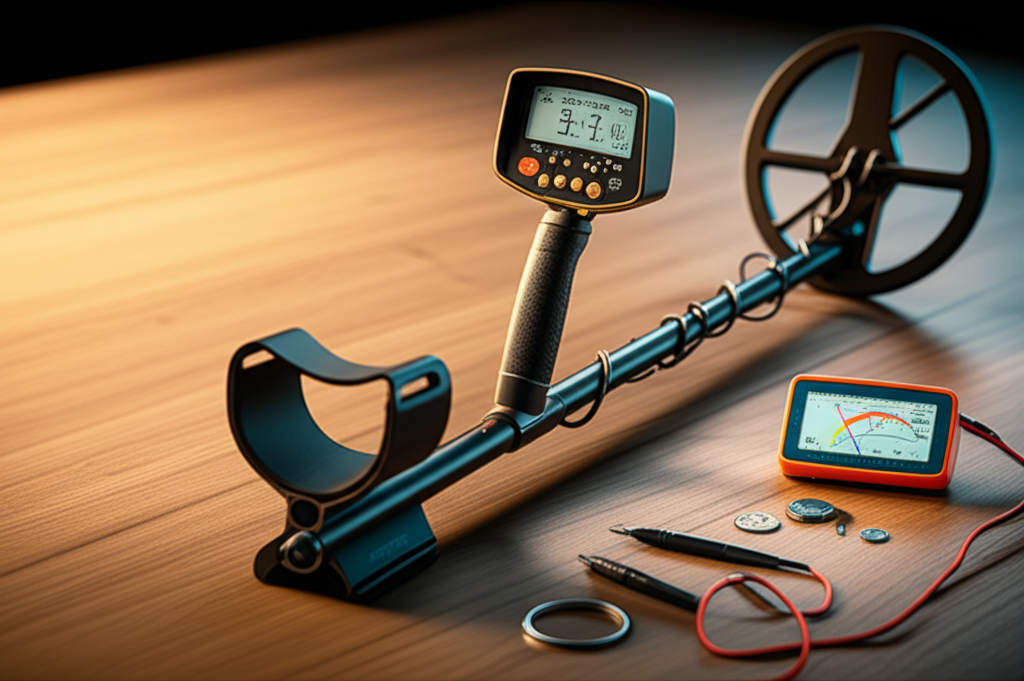
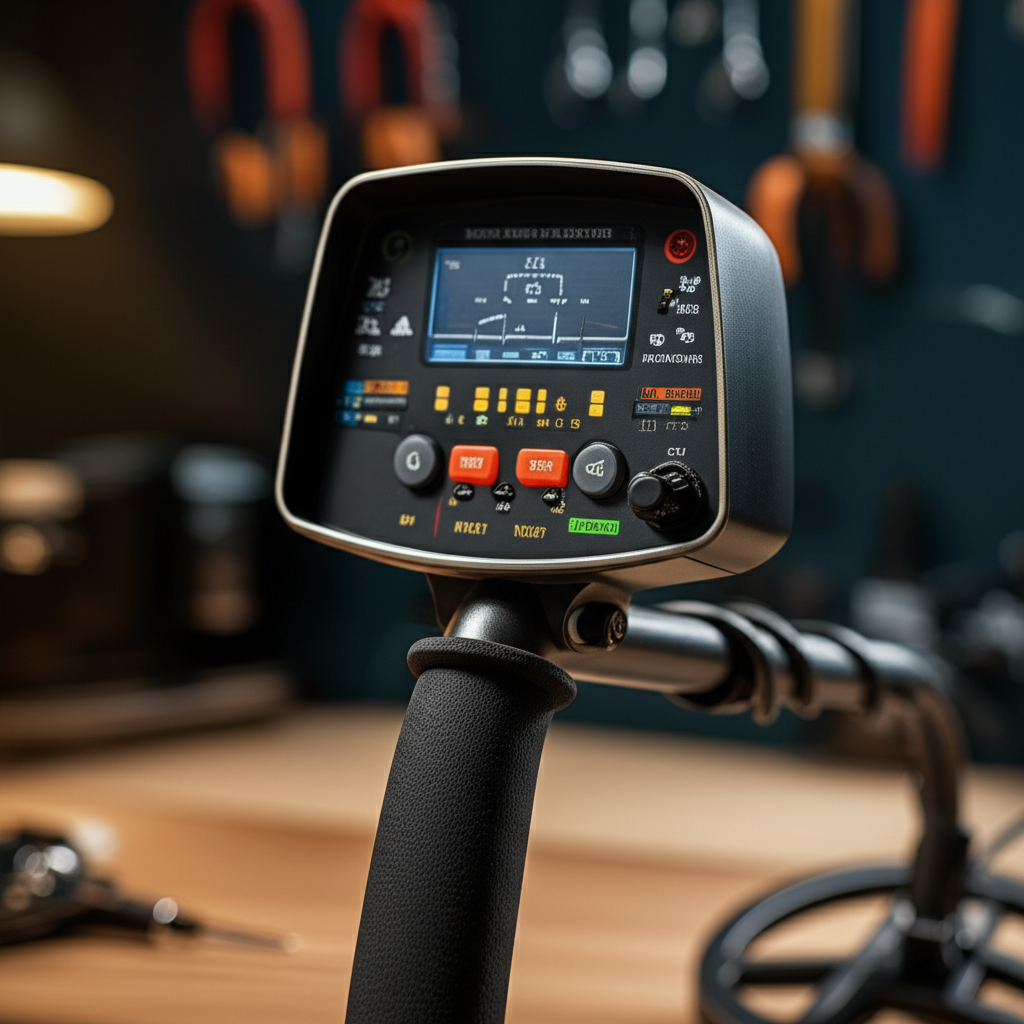
Most metal detectors have a sensitivity dial or button. Some have multiple levels. You might see settings like ‘Low,’ ‘Medium,’ ‘High,’ or numbers. Some advanced detectors have automatic sensitivity. This adjusts itself as you swing. Always check your detector’s manual. It explains what each setting means for your specific model. Understanding your detector is key.
Testing Your Sensitivity Settings in the Field
The best way to learn is by testing. Take a few targets you want to find, like old coins. Bury them at different depths. Start with a medium sensitivity setting. Swing your coil over the target. Listen to the signal. Now, increase the sensitivity. Does the signal get stronger and clearer? Keep increasing until you hear a slight chatter or instability. Then, back it off a little. This is often your sweet spot.
Troubleshooting Common Sensitivity Issues
If your detector is making too much noise, lower the sensitivity. If you are missing targets, try increasing it slowly. If you get a loud, consistent false signal, it might be electrical interference. Try moving away from the area. Some detectors have a ‘threshold’ control. This fine-tunes the background hum. Adjusting threshold can help ignore faint noise.
Advanced Sensitivity Techniques for Expert Finds
Once you master the basics, you can try advanced techniques. Some detectors let you adjust sensitivity in different modes. You can also use a ‘reactivity’ setting. This controls how fast the detector recovers from a strong signal. A lower reactivity is good for trashy sites. It helps you pinpoint targets among junk. Experimentation is your best tool.
Frequently Asked Questions About Metal Detector Sensitivity
What happens if I set my sensitivity too high?
If your sensitivity is too high, your detector will make a lot of noise. This is called chattering or falsing. It makes it hard to hear real targets.
Can I use the same sensitivity setting everywhere?
No, you should not. Different places have different ground minerals and electrical interference. You need to adjust sensitivity for each location.
How do I know when to lower sensitivity?
Lower your sensitivity if you hear constant beeping or noise that doesn’t sound like a target. This is especially true in areas with power lines or trash.
Is automatic sensitivity always best?
Automatic sensitivity is convenient. But sometimes manual adjustment gives you better results. It lets you fine-tune for specific conditions.
What is a ‘hot rock’ and how does it affect sensitivity?
A hot rock is a rock with minerals that your detector mistakes for metal. High sensitivity can make these rocks sound like targets. Ground balancing helps reduce this.
What is the ‘threshold’ setting?
The threshold is a low background hum. It helps you hear very faint signals. Adjusting it can make faint targets clearer.
Conclusion: Unlock Your Detector’s Full Potential
Understanding and properly using your metal detector sensitivity settings is crucial. It’s not just about turning a dial. It’s about listening to your machine and the ground. By adjusting sensitivity based on mineralization, interference, and terrain, you improve your chances of finding valuable items. Always test your settings in the field. Learn your detector’s quirks. With practice, you’ll master sensitivity and make your metal detecting adventures more rewarding.