


Published on: September 30, 2025 | Updated on: September 30, 2025
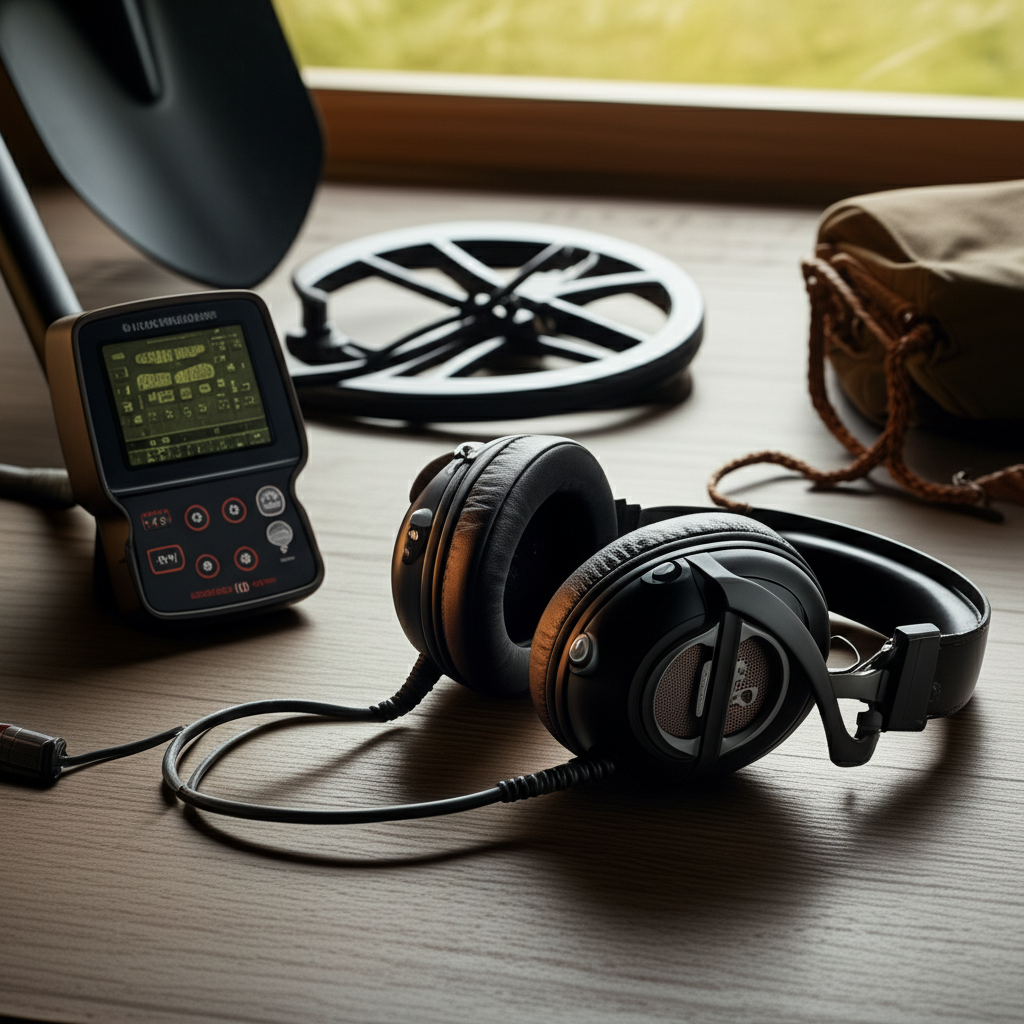
Can You Use Wireless Headphones With A Metal Detector: The Essential Guide
Yes, you can absolutely use wireless headphones with your metal detector, but it’s not always a simple plug-and-play situation. This guide will walk you through the compatibility factors, potential challenges, and best practices to ensure a seamless audio experience in the field.
Why Go Wireless for Metal Detecting?
Many detectorists are curious about ditching the tangled cords. Wired headphones can snag on bushes, get caught on your detector, or even pull out of the jack at a crucial moment. Wireless options promise freedom of movement and a cleaner setup. Imagine swinging your detector without worrying about a dangling cable, making your detecting sessions more enjoyable and productive.
Understanding Metal Detector Audio Connections
Before we dive into wireless, it’s important to know how most metal detectors handle audio. Traditionally, they feature a standard 1/4-inch or 1/8-inch headphone jack. This port is where you plug in your wired headphones to hear those faint signals. The audio signal from the detector is sent directly to your ears, allowing you to distinguish between different target tones.
The Rise of Wireless Audio in Metal Detecting
Wireless technology has revolutionized many hobbies, and metal detecting is no exception. The convenience of not being tethered by a wire is a major draw for many. It allows for more fluid movement and reduces the risk of equipment snagging, especially in dense brush or uneven terrain. This freedom can lead to longer, more comfortable detecting trips.
Can You Use Wireless Headphones With A Metal Detector? The Direct Answer
The straightforward answer is yes, but with important considerations. Most modern metal detectors do not come with built-in wireless transmitters. This means you’ll typically need an adapter or a detector specifically designed for wireless audio. The key is ensuring your chosen wireless headphones can communicate with your detector’s audio output system.
How Wireless Headphones Work with Metal Detectors
Wireless headphones connect to your metal detector either directly (if the detector has built-in wireless capability) or indirectly via a transmitter. This transmitter acts as a bridge, receiving the audio signal from the detector’s headphone jack and sending it wirelessly to your headphones. The process is similar to how Bluetooth speakers connect to your phone.
Types of Wireless Systems for Metal Detecting
There are a few primary ways to achieve wireless audio with your metal detector. The most common method involves using a separate wireless transmitter module that plugs into your detector’s headphone jack. Some high-end detectors now offer integrated wireless technology, often proprietary, which is designed to work seamlessly with their specific wireless headphones.
Transmitter Modules: The Universal Solution

Transmitter modules are versatile accessories that can make almost any metal detector wireless-ready. These small devices typically plug into the detector’s standard headphone port and then transmit the audio signal to compatible wireless headphones. They are a great option for those who don’t want to replace their existing detector to go wireless.
Proprietary Wireless Systems: Integrated Convenience
Some detector manufacturers have developed their own proprietary wireless systems. These are often designed for minimal latency and optimal performance with their specific detector models. While convenient, they usually mean you’re locked into using that brand’s wireless headphones. This can be a drawback if you already own other wireless headphones.
Key Factors for Wireless Headphone Compatibility
When choosing wireless headphones and a system for your metal detector, several factors are crucial. Latency, battery life, durability, and audio quality all play a significant role in your detecting experience. Ensuring these elements are addressed will prevent frustration and enhance your ability to hear faint signals.
Latency: The Silent Killer of Finds
Latency refers to the delay between when a signal is detected and when you hear it. For metal detecting, low latency is paramount. High latency can cause you to miss faint signals or misjudge the location of a target. Look for wireless systems specifically advertised as having “low latency” or “near-zero delay.”
Battery Life: Powering Your Hunt
Long detecting sessions require reliable battery power. Your wireless headphones and transmitter module will need sufficient battery life to last your entire outing. Many wireless headphones offer 8-20 hours of playback on a single charge, but it’s wise to carry a portable power bank for extended trips.
Durability and Comfort: Built for the Outdoors
Metal detecting can be tough on gear. Your wireless headphones should be robust enough to withstand dust, moisture, and occasional bumps. Comfort is also key, as you’ll be wearing them for hours; look for padded earcups and an adjustable headband.
Audio Quality: Hearing Every Whisper
The primary purpose of headphones is to hear target signals clearly. Wireless systems can sometimes introduce a slight degradation in audio quality compared to wired connections. However, many modern wireless headphones offer excellent sound reproduction, allowing you to discern subtle differences in target tones.
Setting Up Your Wireless Headphones with a Metal Detector
The setup process is generally straightforward, but it’s good to know what to expect. It usually involves pairing your wireless headphones with the transmitter module or directly with the detector if it has built-in wireless. Most systems use Bluetooth or a proprietary RF connection.
Step-by-Step Pairing Process
1. Charge your devices: Ensure both your wireless headphones and the transmitter module (if used) are fully charged.
2. Turn on the transmitter: Power on your wireless transmitter module and put it into pairing mode. This is often indicated by a flashing LED light.
3. Turn on headphones: Power on your wireless headphones and put them into pairing mode. Consult your headphone manual for specific instructions.
4. Pair the devices: The transmitter and headphones should automatically detect each other and pair. Once connected, the flashing lights will typically turn solid or change color.
5. Connect to detector: Plug the transmitter module into your metal detector’s headphone jack. If your detector has built-in wireless, follow its manual to initiate pairing.
6. Test the audio: Swing your detector over a metal object to ensure you are receiving clear audio through your wireless headphones.
Troubleshooting Common Wireless Headphone Issues
Even with the best equipment, you might encounter occasional glitches. Interference, pairing problems, and audio drops are common issues. Fortunately, most can be resolved with a few simple troubleshooting steps. Staying calm and methodical is key to getting back to your hunt quickly.
Interference in the Field
Other electronic devices, high-voltage power lines, or even other wireless metal detecting systems can cause interference. If you experience crackling or dropouts, try moving away from potential sources of interference. Sometimes, simply changing your location can resolve the issue.
Pairing Difficulties
If your headphones and transmitter won’t pair, try resetting both devices and repeating the pairing process. Ensure they are close to each other and that no other Bluetooth devices are actively trying to connect. A fresh start often solves pairing problems.
Audio Dropouts
Audio dropouts can be frustrating. Check the battery levels of both your headphones and transmitter. Ensure the connection between the transmitter and headphones is strong – sometimes moving the transmitter slightly can help. If the problem persists, it might indicate a faulty device.
Best Wireless Headphones for Metal Detecting
While “best” is subjective and depends on your budget and specific needs, certain features make headphones ideal for detecting. Look for models known for low latency, good battery life, durability, and clear audio reproduction. Brands like Garrett, Minelab, and Nokta Makro offer dedicated wireless headphone systems for their detectors, while universal transmitters can be paired with popular consumer wireless headphones.
Recommendations for Low-Latency Wireless Audio
When selecting headphones, prioritize those marketed for gaming or professional audio monitoring, as these often emphasize low latency. For dedicated metal detecting systems, models like the Garrett MS-3 Wireless Z-Lynk Kit or the Nokta Double DD Waterproof Headphones with Nokta BT Receiver are excellent choices, designed specifically for the demands of detecting.
Can You Use Regular Bluetooth Headphones with A Metal Detector?
Yes, you can, but it’s rarely a direct connection. Most standard Bluetooth headphones will require a Bluetooth transmitter that plugs into your metal detector’s headphone jack. The key challenge here is finding a transmitter with sufficiently low latency to make it practical for detecting. High latency can make distinguishing target signals very difficult.
The Pros and Cons of Wireless Headphones for Detecting
Going wireless offers significant advantages but also comes with potential drawbacks. Weighing these points will help you decide if it’s the right choice for your detecting style. It’s about finding the balance that best suits your needs in the field.
Advantages of Wireless
Freedom of Movement: No tangled cords snagging on obstacles.
Increased Comfort: Less chance of cables pulling or getting in the way.
Cleaner Setup: A more streamlined and less cluttered detecting experience.
Reduced Noise: Eliminates cable noise that can sometimes be picked up.
Disadvantages of Wireless
Latency: Potential for audio delay, especially with non-dedicated systems.
Battery Dependence: Requires charging headphones and transmitters.
Cost: Wireless systems and headphones can be more expensive.
Compatibility Issues: Not all systems work seamlessly with all detectors.
* Interference: Susceptible to interference from other wireless devices.
Essential Accessories to Enhance Your Wireless Setup
Beyond the headphones and transmitter, a few other accessories can make your wireless setup even better. A portable power bank is almost essential for longer trips, ensuring you don’t run out of juice. Carrying a spare set of batteries or a charging cable is also wise.
Conclusion: Embracing the Wireless Future of Metal Detecting
So, can you use wireless headphones with a metal detector? Absolutely, and it can significantly enhance your detecting experience by offering unparalleled freedom and comfort. While there are considerations like latency and battery life, the advancements in wireless technology mean that low-latency, reliable audio is more accessible than ever. By choosing the right system – whether a dedicated detector-integrated solution or a versatile transmitter-headphone combo – you can eliminate the hassle of cords and focus entirely on the thrill of the hunt. Embrace the wireless future and enjoy a cleaner, more enjoyable time in the field.
Frequently Asked Questions (FAQ)
Can I use any Bluetooth headphones with my metal detector?
You can use most Bluetooth headphones, but they will typically require a separate Bluetooth transmitter that plugs into your metal detector’s headphone jack. Ensure the transmitter has very low latency.
What is latency and why is it important for metal detecting headphones?
Latency is the delay between when a target is detected and when you hear the sound. For metal detecting, low latency is crucial to accurately pinpoint targets and avoid missing faint signals.
How long do wireless headphones last on a single charge?
Battery life varies greatly by model, but many wireless headphones designed for detecting can last anywhere from 8 to 20 hours on a single charge. Always check the manufacturer’s specifications.
Will wireless headphones interfere with my metal detector’s performance?
Generally, no. Dedicated wireless systems are designed not to interfere. However, poorly shielded or low-quality universal transmitters might introduce minor electromagnetic interference in rare cases.
Are wireless headphones more durable than wired ones for metal detecting?
Durability depends on the specific model. Many wireless headphones designed for outdoor use are built to be robust and weather-resistant, but always check product reviews for ruggedness.
Do I need a special metal detector to use wireless headphones?
Not necessarily. Many detectors with a standard headphone jack can be made wireless-ready with a compatible transmitter module. However, some high-end detectors come with integrated wireless capabilities.
How do I know if my wireless headphones have low latency?
Look for specifications that explicitly mention “low latency,” “near-zero latency,” or are marketed for applications like gaming or professional audio monitoring, which prioritize minimal delay.
